Step-by-step guide
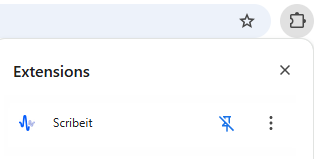
1. After downloading, push the extensions button and pin the Scribeit to the extension panel for fast access
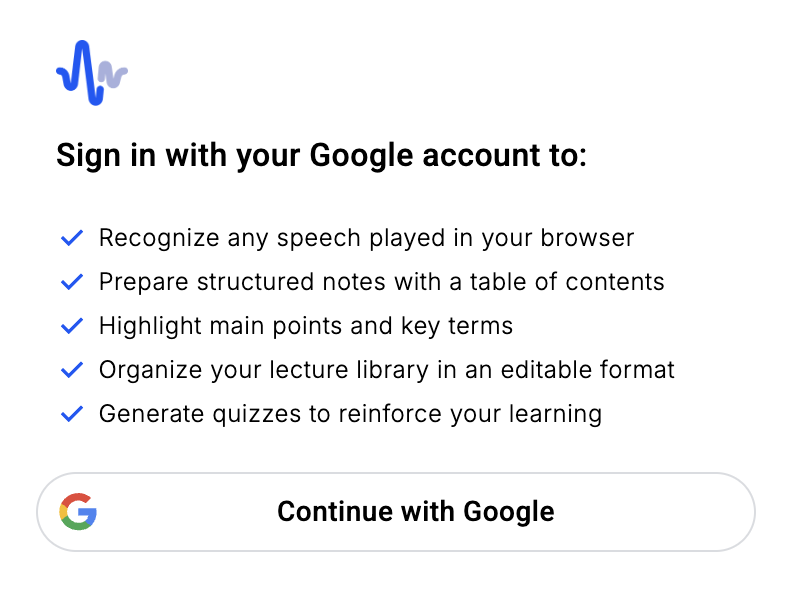
2. Log in to the extension using your Google account – you have already done
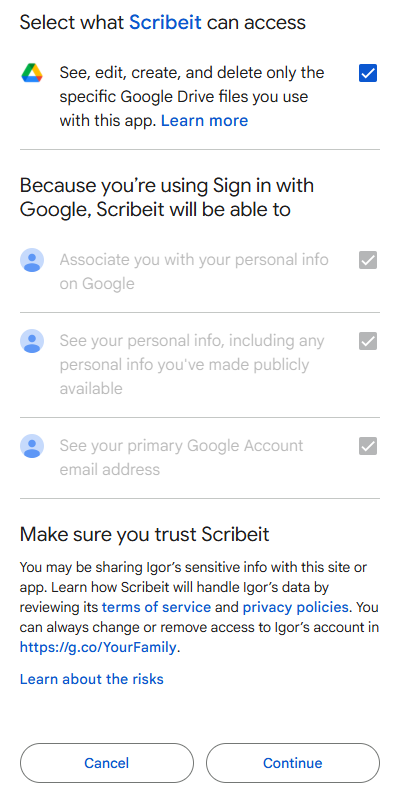
3. Grant access to Google Drive – this lets us save your notes in Google Docs
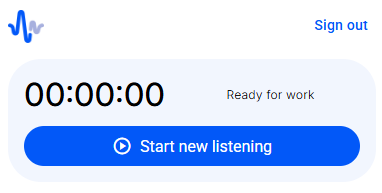
4. When your online class or video begins, open Scribeit and click “Start”
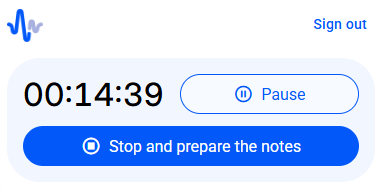
5. The timer will start counting. That means that Scribeit is working on your content. When your content is over, push the Stop and prepare the notes button
6. In 5-10 minutes, you will get an email with the link to your Google Drive with the results
7. The longer your audio, the better the result. If it is shorter than 1 minute, it will not provide a result. For audio less than 10 minutes, we will send a transcription. For more than 10 minutes of audio, we will send transcription and a condensed, easy-to-remember summary with a quiz
8. Try to answer quiz questions right after receiving the results to master the material
9. Launch again when needed. So easy!